Grade 7 Math – Surveys & Data Analysis Project

Grade 7 Math students spent the past two weeks working on a survey project, with each student picking a topic of interest, creating a survey based around this topic, collecting data from the school community and then analyzing and reporting their results.

They worked through the following steps, using a range of different apps in the process:

  1. Define research question (Google Docs)
  2. Create survey (Google Forms)
  3. Distribute survey (Gmail)
  4. Data collection (Google Sheets)
  5. Data manipulation (Google Sheets)
  6. Data analysis (Google Sheets)
  7. Report findings (Google Docs)

Creating Google Forms and working with data in a spreadsheet were brand new skills for most of the students, which we took even further by creating custom templates when designing the surveys and manipulating the data collected using calculations and formula. The students also created several different types of charts and presented their findings to their classmates.

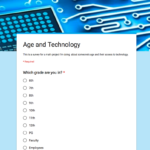
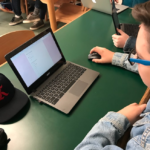
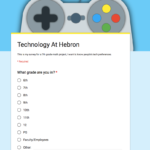
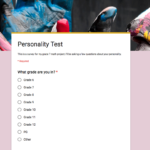
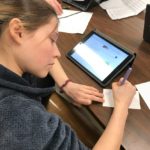
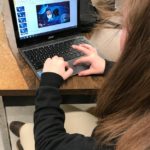
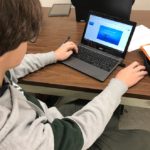
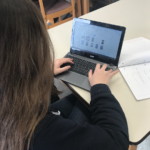
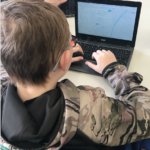
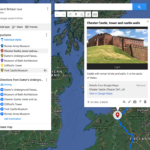
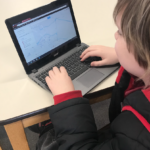
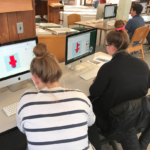
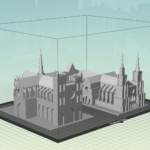
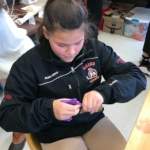
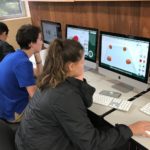
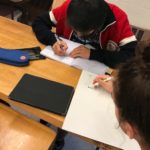
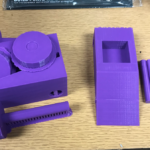
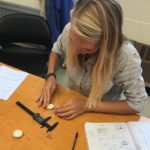
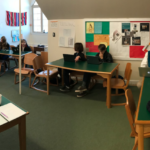
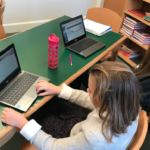
Here are some screenshots of their surveys and photos of the students working hard on their Chromebooks:
And a selection of their finished reports are embedded below (click the square icon in the middle to view the documents full screen):

Posted in Tech in the Classroom | Comments Off on Grade 7 Math – Surveys & Data Analysis Project

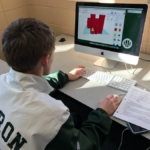
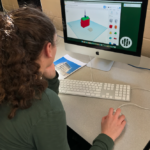
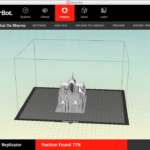
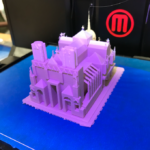
French Advanced: Bastide 3D Design
French Advanced students have been learning about traditional French towns called bastides, which were typically designed with a surrounding wall, a central church and marketplace.

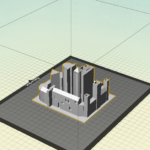
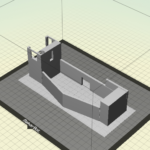
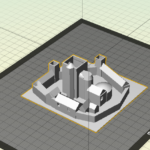
With the aim of getting the students to really study the design and layout of these types of towns they had to recreate a complete real town in 3D using Tinkercad. They used geometric shapes and holes to draw the individual wall sections and buildings, complete with cutout window and door detailing.

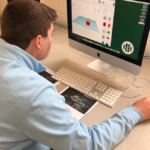
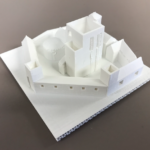
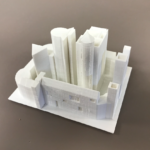
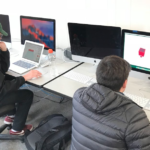
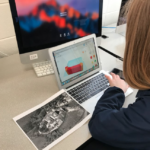
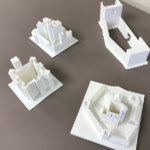
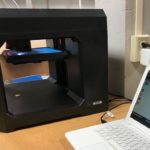
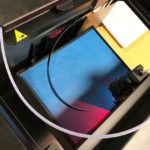
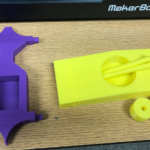
Each student chose a different town to recreate and the finished models were then printed on the 3D printer. A selection of photographs from the project can be seen below, including some shots of the finished printed models:

Posted in Tech in the Classroom | Comments Off on French Advanced: Bastide 3D Design

French Novice – Children’s Storybooks

French Novice students have recently been learning vocabulary for different animals, items of clothing and colors. Based around these sets of words they each created a digital children’s storybook in which an animal visits a famous place and then puts on ten different colored items of clothing. They then came up with a punchline for their story, as well as an eye-catching book cover.

The book was designed and created using Google Slides (either using their iPads or Chromebooks), making use of the software’s simple drawing and shapes options, and the students spent a lot of time searching Google Images for pictures of clothing with transparent backgrounds. They also tried to create layouts and chose fonts that would appeal to a younger audience.

A selection of their completed ebooks are embedded below:

Additionally, the students were asked to read aloud and record their ebooks to provide an audiobook edition of their content (as well as practice their pronunciation). The students used either the AudioCopy app on their iPads or the Voice Memos app on their iPhones.

Again, a selection of the recordings are embedded below as a SoundCloud playlist:

Posted in Tech in the Classroom | Comments Off on French Novice – Children’s Storybooks

Grade 7 Latin – Ancient Britain Google My Maps

Salvete, amici!

The 7th grade Latin class is putting to rest, once and for all, the incorrect statement that “Latin is a dead language”. This year, in addition to grammar and history study, the students have been listening to the classic young adult novel, The Eagle of the Ninth. This story tells the tale of a young centurion, Marcus Flavius Aquila, who must leave the legions after he is seriously injured in the heroic rescue of his fort. Alone in the strange and wild world of Roman-Briton, Marcus must build a new life for himself. He finds peace and purpose in the quest to regain his family’s honor by finding the lost eagle of Ninth Legion. Marcus goes on his quest nearly 2,000 years ago; with the help of Mr. Crofton, the 7th graders have prepared their own quests for the modern day.

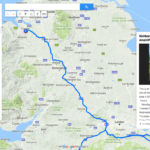
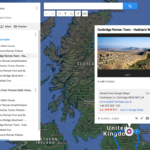
The students researched five towns in the British countryside that have Roman ruins. In addition to the Roman features, they found other interesting sites in the towns as well. Using Scribble Maps for planning and taking notes and then Google My Maps, the students made annotated maps of their selected cities. Their maps are peppered with “push pins” explaining the particular sites and featuring pictures of the features. Next, they added driving directions to their maps resulting in an easy-to-follow perfect itinerary for a family trip.

As a young teen, I read The Eagle of the Ninth and its sequels, The Silver Branch and The Lantern Bearers. When I graduated from college, my parents gave me a trip to England. Where did I go? To Calleva and Colchester, to visit the world of Marcus Aquila. I hope that these Latin students will someday walk in the footsteps of this centurion as well.

Ms. Reedy, Latin Teacher

A selection of students maps are embedded below – click on the larger map icon in the top right hand corner for more details of each tour:

Posted in Tech in the Classroom | Comments Off on Grade 7 Latin – Ancient Britain Google My Maps

French Intermediate – 3D Cathedral Design

Many years ago, my husband and I read Ken Follett’s The Pillars of the Earth before we traveled to England. That book gave us an excellent background on gothic architecture and it helped us gain a better understanding and appreciation of these man-made marvels. When I traveled to France for the first time in 1988, my visit to Chartres Cathedral was the high point of the trip.

When I began teaching French in the 1990’s, I decided to teach my students about gothic architecture so that when they one day visit France, they, too, will look knowledgeably at these miraculous skyscrapers of long ago. They will recognize the cruciform floor plan where the north-south nave is crossed by the east-west transept. They will appreciate the flying buttresses giving support to the vaulted ceiling. They will admire the pointed gothic arches surmounting the tracery of the stained glass windows, including the magnificent rose windows.

And it worked! I received this e-mail last summer from a previous student of mine:

“I am in Malta on vacation and doing sightseeing. I’ve visited three different neo-gothic cathedrals and the knowledge from our project helped alot and it was great.”

While the French students were reading an excerpt of Les Misérables,“The Bishop’s Candlesticks”, in class, they each researched a gothic cathedral. They were required to draw and define a number of architectural terms, research the history of their own cathedral, and do an oral presentation, partially en français, to their classmates.

This year, with the help of Mr. Crofton, we added something new and exciting to the project! The students used Tinkercad and the 3D printer to make models of their cathedrals. To do this, each student had to look carefully at the cathedral – Where do the flying buttresses intersect with the roof? – Are both of the towers exactly the same? – How does the interior floor plan compare to the exterior design? By the end of the design phase, the students really knew their cathedrals. I so hope that someday these students will visit these cathedrals!

Mrs. Reedy, French Teacher

Posted in Tech in the Classroom | Comments Off on French Intermediate – 3D Cathedral Design

Humanities History – Virtual Field Trip to the Parthenon

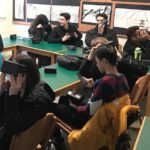
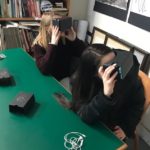
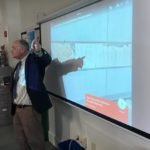
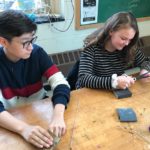
Mr. Middleton’s Humanities History classes recently went on a virtual field trip to the Parthenon in Athens, Greece. Using the school’s set of Google Cardboard VR headsets and the students’ smartphones we used a selection of apps to visit the Parthenon site as well as the Acropolis Museum and its frieze galleries.

  • The first stop on the tour was using Google Street View to looks at various 360° photographs of the Parthenon site, from all different angels
  • Next we used the Google Expeditions app to visit the frieze galleries in the Acropolis Museum
  • We then used the Google Arts and Culture app to view a ultra-high resolution photograph of the east frieze
  • And finally, still within the Google Arts and Culture app, we went inside the museum again (based on Google Street View data) to see the view of the Parthenon from the north window:

A few shots of the tour (and tour guide!) in action can be seen below:

Posted in Tech in the Classroom | Comments Off on Humanities History – Virtual Field Trip to the Parthenon

Augmented Reality in the Classroom

Augmented reality (AR) is the real time combination of digital information with your surrounding environment. AR uses your device’s camera to capture this environment and its digital display to overlay new information on top of it.

During some recent faculty training sessions we looked at the following apps (on both the iPad and iPhone) as a kick-off point to future use of this technology in the classroom.

Google Translate

Translate foreign language words and sentences in real time:

Spacecraft 3D

Insert into and digitally interact with 3D models of different spacecraft in your local environment:

AR Mountains & Peaks

Scan surrounding hills and mountains to see what landmarks (and their elevation) are close by:

HP Reveal/Aurasma

Make your own augmented reality by creating custom overlays for real-life objects:

IKEA Place

Place and rotate objects from IKEA’s furniture catalog into your local environment:

MeasureKit

Digitally measure any object around you:

PaintSpaceAR

Draw and doodle on a 3D canvas:

Posted in Professional Development | Comments Off on Augmented Reality in the Classroom

Conceptual Physics – 3D Car Race Day

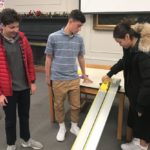
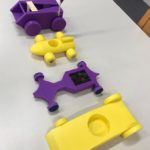
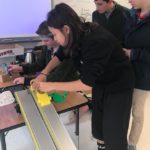
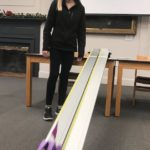
For the final part of the Conceptual Physics project based around car design, students had to prep their 3D printed cars for the test ramp and were then given three chances to record their fastest speed down the ramp (recorded with a radar sensor) and longest distance travelled off the ramp. Any car that did not make it down the ramp was disqualified for that turn.

We then finished off the project by running racing heats side-by-side to see which of the cars in each class was the fastest to a specified finish line at the end of the ramp. We even raced the fastest design against the best car from last years project.

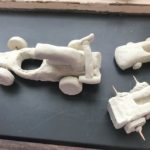
Here are a few shots from the race prep and race day classes and a close-up of some of the finished designs the students created using the 3D printer and Tinkercad:

And finally, a YouTube playlist of some of the different cars heading down the testing ramp is embedded below:

Posted in Tech in the Classroom | Comments Off on Conceptual Physics – 3D Car Race Day

US History – Freedom Trail Video Tours using Clips or iMovie

As in previous years US History students took a trip this trimester to Boston. They spent the day walking along the Freedom Trail and, in groups, documenting the tour by taking pictures and movies with their iPads. Once back in school they had to work in their groups to put together a professional video, edited with either iMovie or the Clips app, recreating their walking tour from the different footage and photographs they had taken.

Using either of these apps students had to go through several production steps to complete their films, including: collecting together clips and photographs on to one iPad; constructing their timeline – ordering/trimming clips & images together; adding titles – including an intro title and credits; removing any unwanted audio and recording any additional voice over; watching through the entire video to check for any editing errors; and finally saving, renaming and sharing their finished movie.

Here are a couple of examples of the completed tours, again made using photographs and video from the trip and either the Clips app or iMovie:

Posted in Tech in the Classroom | Comments Off on US History – Freedom Trail Video Tours using Clips or iMovie

Conceptual Physics – 3D Race Car Design

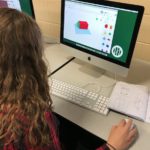
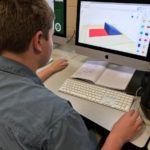
A project that Freshmen complete every year in their Conceptual Physics course is designing and creating cars that are raced down a ramp and measured for speed and distance travelled. Students design their cars completely using Tinkercad to create parts to be printed on the 3D printer.

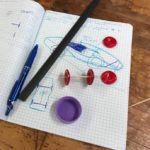
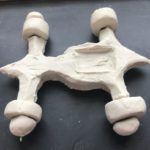
The project started with an introduction to professional car design based around this video from BMW. We talked through the three main steps of: drawing and sketching their design ideas; prototyping using clay to create a 3D model; and then manufacture. We also spent some time discussing wheel design and how wheels could be attached to the main body of their cars.

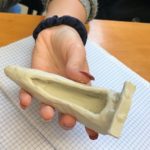
We then worked through these same steps using the sketching tools in the Notability app (or pen and paper) to create 2D designs, professional-grade modeling clay to create their prototypes and finally Tinkercad to design their car parts for the 3D printer for manufacturing.

A selection of photos of the students working on their iPads and in the Library iMac lab, some of their car sketches, clay prototypes and a selection of the finished printed models can be seen below:

Posted in Tech in the Classroom | Comments Off on Conceptual Physics – 3D Race Car Design